Every static credential starts out reasonable. A pipeline needs to SSH into a
server, so someone generates a key pair and stores the private half somewhere
the pipeline can read it. A Terraform workspace needs to talk to AWS, so someone
creates an access key and pastes it into a workspace variable. An application
needs a database, so someone creates an application user, picks a password, and
puts it in a config file.
Open a Terraform repository you have never seen before. There is a good chance
it looks like this: one main.tf with eight hundred lines in it, a
variables.tf where required and optional inputs are shuffled together in
alphabetical order, a provider block with no version constraint at all, and a
README.md that documented the inputs accurately about four months ago.
None of that is anybody’s fault. Terraform doesn’t care how you arrange your
files. Every file ending in .tf in a directory gets concatenated before
anything is evaluated, so the language gives you no reason to prefer one layout
over another. The tutorials all put everything in main.tf because they’re
teaching one resource at a time, and then that becomes the shape of the repo
forever.
In my last post, I covered the four
challenges I hit running Vault Enterprise on OpenShift. That same lab cluster
also runs Terraform Enterprise (TFE) in active-active mode, using that Vault
cluster as its secrets backend. TFE brought its own set of OpenShift-specific
problems — some in TFE itself, some in the supporting PostgreSQL and object
storage layers, and one that turned out to be the same VSO bug from the Vault
post showing up again in a different place.
I recently set up a three-node Vault Enterprise HA cluster on OpenShift, using
HCP Vault as the auto-unseal provider via the transit secrets engine. On paper
this is a straightforward combination of well-documented features. In practice,
it was a series of traps — some subtle, some spectacular — that took multiple
sessions to fully work through.
This post covers the four main challenge areas I hit: getting IPC_LOCK right
on OpenShift, wiring up the auto-unseal token flow securely, managing Raft
quorum safely during rolling updates, and working around a reconciliation bug in
Vault Secrets Operator. I’ll focus on what caught me off guard and what the
correct solution looks like.
In my last post, I covered how I set up
VSCode for Terraform. The second most
popular question is how I set up my workstation for Terraform development.
As with most things in the tech world, there are many ways to do things. The
following is the way that works for me. I am always looking for ways to improve
my workflow, so if you have suggestions, please let me know.
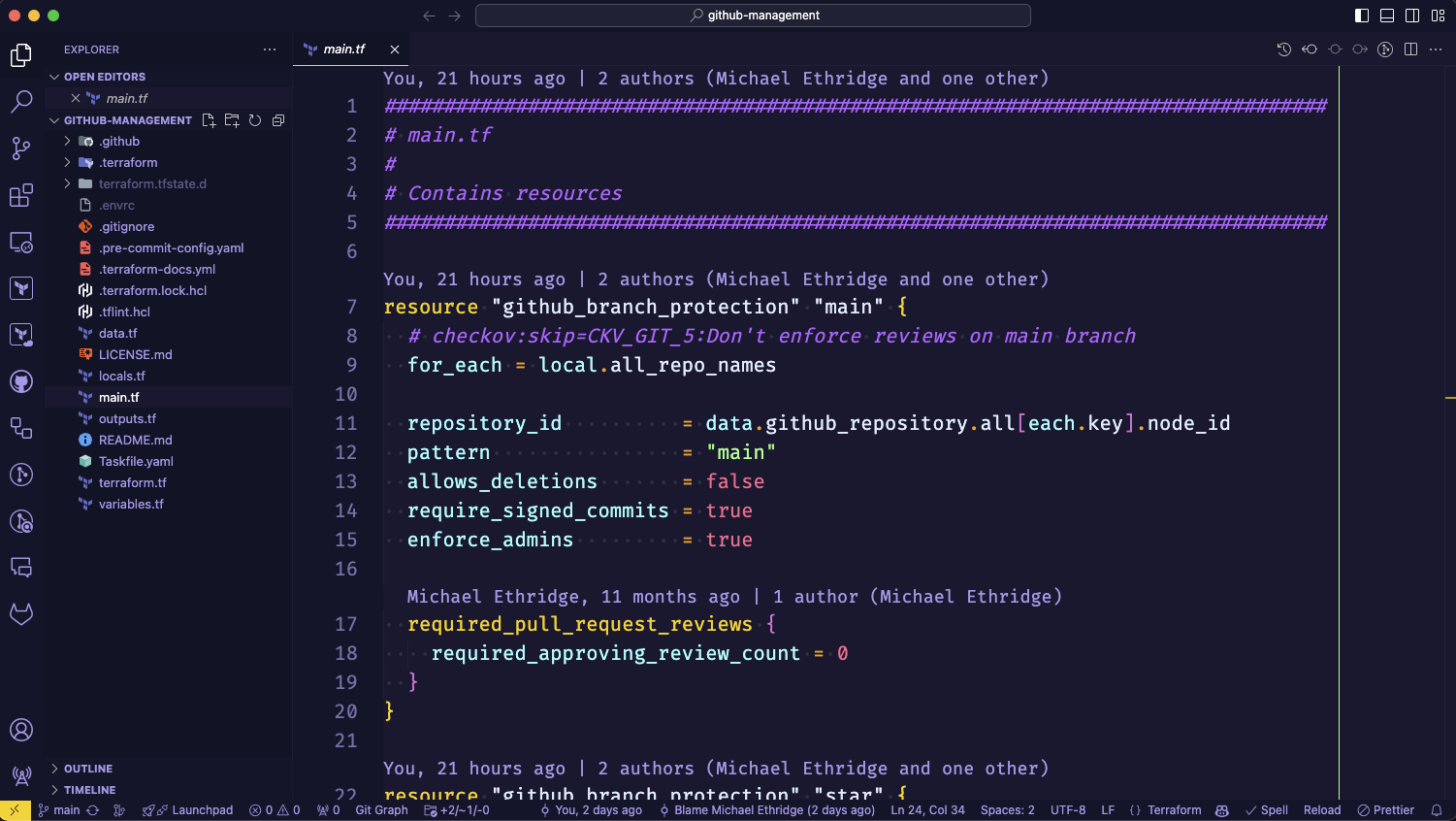
One of the first questions I get when teaching Terraform is, “What editor should
I use?” My answer is always, “Use what you are comfortable with. If you don’t
have a preference, I recommend Visual Studio Code.” Over the years, I have used
everything from vi to Notepad++ to Sublime Text to Atom to
Visual Studio Code. Visual Studio Code is easy to pick up for new users and
easy to customize to your liking.